
On-page SEO training should help you inspect a real webpage, decide what needs improvement and explain why each change matters. Before paying for a course, look beyond a list of SEO terms. Choose a learning path that turns those terms into a repeatable audit and a practical page-improvement plan.
Enroll in the online on-page SEO course for $59 →
PINSEO Academy · Futura Group PINSEO Department
This guide is published by PINSEO Academy, which offers the courses discussed below.
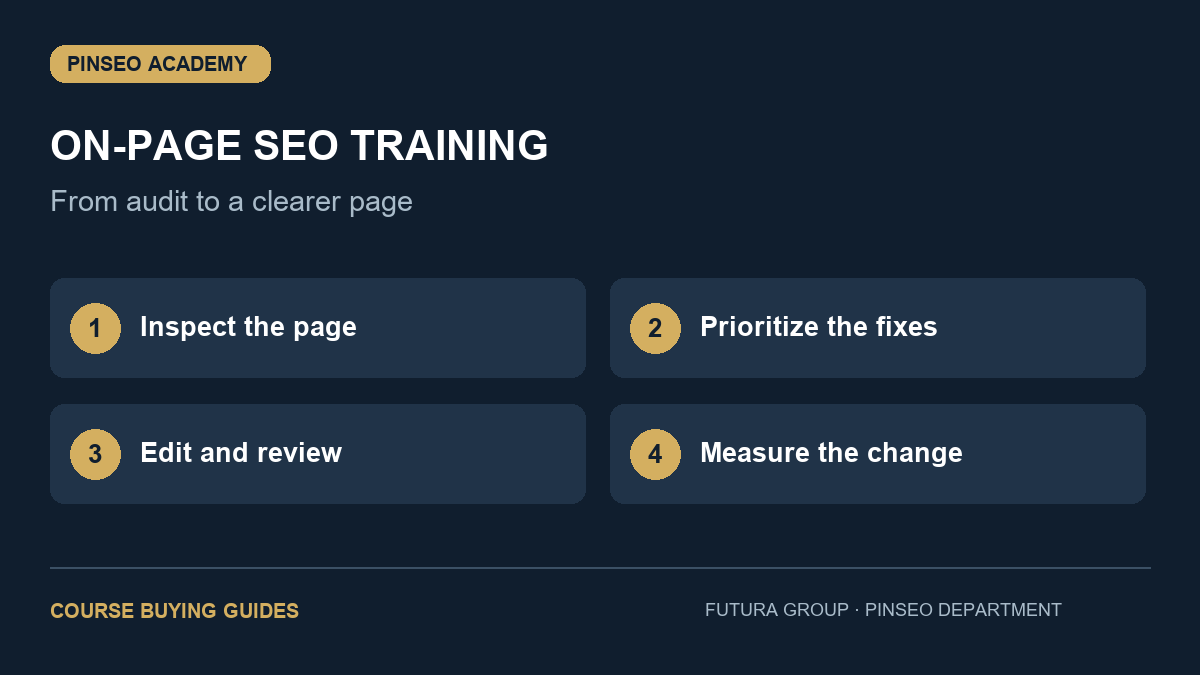
Table of Contents
Decide what you want to improve first
Start with one important page: a service page, a useful article or a landing page for a specific offer. Write down its audience and the action you want a suitable visitor to take. A page that attracts the wrong audience is not successful simply because it receives more visits.
Imagine a local cleaning business with a general services page. A useful audit would ask whether the page clearly describes the service, location, scope and next step. It would also check whether the title and headings help a searcher understand that offer. It would not begin by adding the phrase “cleaning services” to every paragraph.
7 essential checks for on-page SEO training
- Intent before editing. The course should teach you to identify what the searcher wants and whether the page satisfies that need.
- Titles and headings. Look for exercises that make titles descriptive and organize content logically, rather than keyword placement alone.
- Useful page content. Good training helps you find missing explanations, weak claims and unanswered customer questions.
- Internal links. Expect guidance on connecting related pages using descriptive link text that helps visitors navigate.
- Images and accessibility. Lessons should explain descriptive alternative text and readable layouts without treating accessibility as a keyword trick.
- Technical signals. A practical introduction should cover indexability, canonical URLs and the boundary between content changes and developer work.
- Measurement. You should leave with a way to record changes and evaluate relevant search activity and visitor actions over time.
Ask how the lessons become an actual deliverable. An audit sheet and a before-and-after brief are more tangible than a promise to “master SEO” without a defined project.
The audit exercise that makes training useful
Create a simple document with four columns: current issue, proposed change, reason and priority. Read the selected page as a potential customer, then compare it with the question the page is supposed to answer. Put missing essential information ahead of cosmetic adjustments.
For the cleaning-business example, an unclear service area may be a higher priority than polishing the meta description. The title could then identify the actual service and location, while the body explains what is included. Only use locations and claims the business can support.
Record the original page copy before editing. Review the revised page on a phone and a desktop, follow its important links and check the next step is understandable. A strong on-page SEO training exercise teaches this review process, not just a set of fields to fill.
A sample self-review question is: could someone unfamiliar with the business explain the offer after reading the first section? If the answer is no, clarity is a useful first improvement even before performance data is available.
What PINSEO Academy includes and costs
On-Page SEO Blueprint is a self-paced course with nine modules, 27 written lessons, practical exercises and a workbook. Its published price is US$59.00. Check the course page for current pricing and the full curriculum before enrolling.
The course is designed for business owners, marketers and freelancers who want to improve a page they choose. It is a written learning resource, so it suits learners who like to read, apply an exercise and revisit the material while working.
Compare the fee with your intended use. If you need a personal review of a complex website, verify whether a provider explicitly includes that service. Do not assume that purchasing a self-paced course includes individual consulting, accreditation or a guaranteed ranking improvement.
Allow time for applying the workbook. Reading all the lessons without making and reviewing a page brief will give you less practical experience than completing a smaller amount of study alongside a real task.
Choose between page optimization and keyword planning
If you already know which page and audience matter, on-page SEO training is a sensible next step. If the main problem is deciding what to target, start by comparing the keyword research course. If you need product and category examples specifically, review Ecommerce SEO for Sales.
You can also read the site’s on-page SEO checklist to identify the kinds of work involved. The distinction is practical: a checklist prompts an audit, while a course gives you a sequence for learning and practising the process.
For a free authoritative reference, consult Google’s SEO Starter Guide. Use it alongside training to check that advice prioritizes clear, useful content and a website people can navigate.
Frequently asked questions
Do I need coding experience?
You can practise content, titles, headings and internal-link planning without coding. Implementing certain technical changes may require your website administrator or developer.
Will on-page SEO training fix every SEO problem?
No. A page audit does not replace work on site architecture, severe technical problems, reputation or the quality of the underlying offer. It helps you improve the parts within the course’s scope.
What should I prepare before enrolling?
Choose a page, identify its intended customer and record its current content. Having a real page gives the lessons a clear purpose and makes the workbook easier to apply.
Choose your next practical skill
Review the lessons, included resources and current price, then enrol if the course fits your goal.