

An n8n course for small business should help you build a useful workflow, understand its costs and decide where a person must review the result. If you want practical training for enquiries, customer drafts, content or reporting, PINSEO Academy’s AI Automation for Business is available for $99 USD as a one-time course purchase.
The course includes eight modules, 24 written lessons and five business projects. It is designed for business owners, marketers and freelancers who are comfortable using web applications and working with simple data fields. This guide explains the projects, the setup you need and the purchase decisions to make before enrolling.
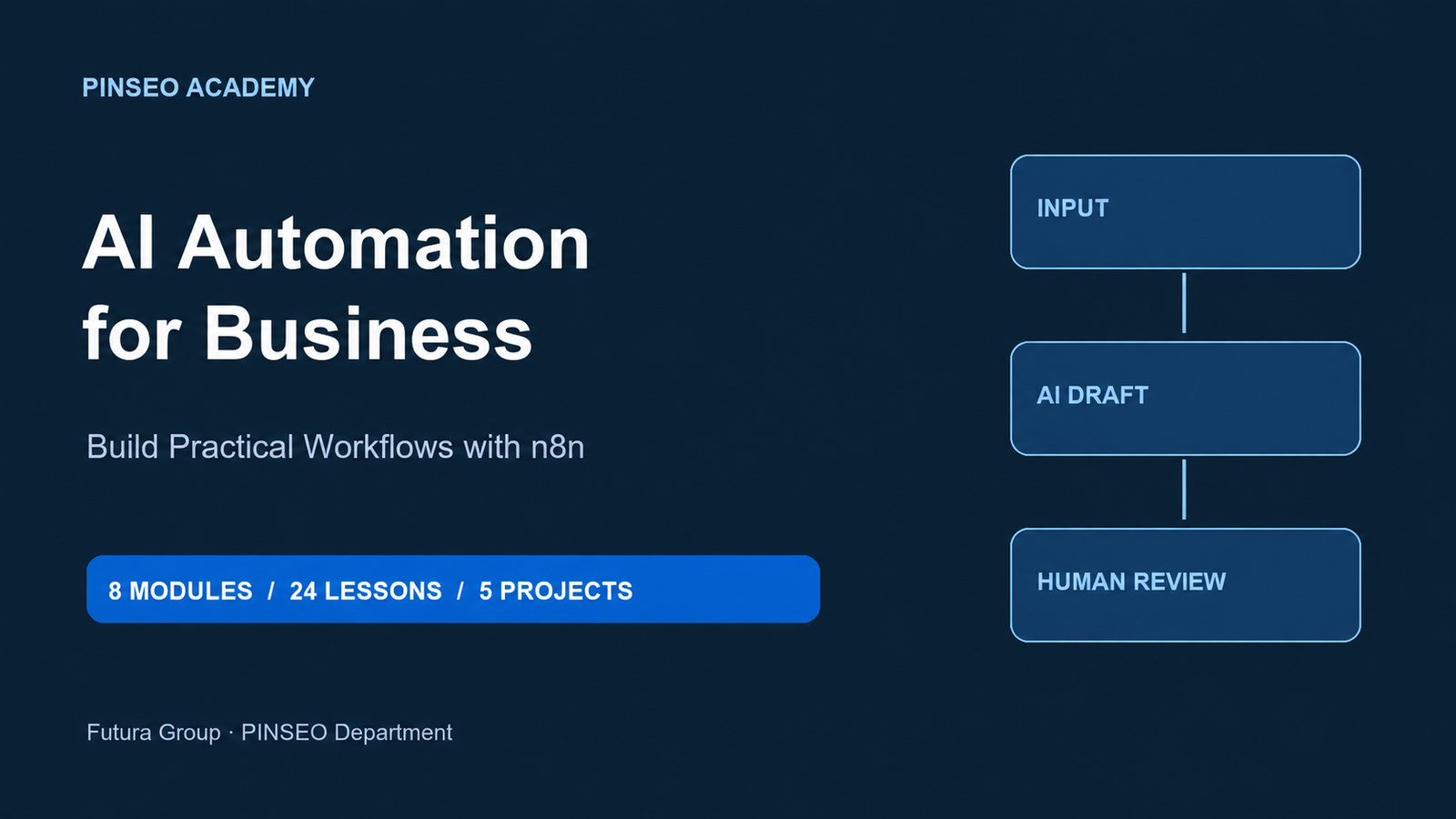
| Before you enroll | Course details |
|---|---|
| Course price | $99 USD, one-time course purchase; applicable taxes appear at checkout |
| Learning format | Self-paced written online lessons and practical exercises |
| Course structure | 8 modules, 24 lessons and 5 business projects |
| Study estimate | Approximately 6–8 hours for reading and practice, plus setup and adaptation |
| Separate costs | Your n8n environment and any optional live model/API usage |
Table of Contents
Is this n8n course for small business right for you?
Choose this course when you can name a repeatable task and want to learn how information moves through an automation. A good starting point is a small, low-risk process: organise a sample enquiry list, prepare a draft response or turn a reporting table into a reviewable summary. You do not need to automate your entire operation to begin.
Basic familiarity with JSON is helpful, and the examples include JavaScript with guided explanations. Bring a computer, internet access and your own n8n environment. If you need a fully managed implementation or someone to maintain a production system, a self-paced course is a different purchase. For that requirement, discuss the scope through our business contact page before ordering training.
1. Organise incoming leads before planning a CRM handoff
The lead project in this n8n course for small business follows an enquiry batch through cleaning, normalisation, deduplication and suggested categories. For a small business, that is a practical way to understand the difference between preparing useful data and taking an action in another system. You inspect the fields and decide which categories are allowed.
During practice, include an incomplete enquiry and a repeated record. Check what the workflow returns and what should happen when information is missing. The lesson is about a reviewable process and a planned handoff. The supplied practice project does not automatically write customer records into a live CRM.
2. Draft customer replies from approved policies
Customer questions often repeat, but the answer still depends on current business facts. This project prepares an email draft from approved policy information, leaving a person responsible for checking and sending it. That boundary matters when a response concerns delivery, eligibility or a product detail.
Bring a clearly labelled practice policy rather than private customer records. Test a question the policy answers and one it does not answer. A useful output should make its limits visible instead of inventing a promise. This n8n course for small business teaches draft preparation; it does not supply an unattended email-sending service.
3. Prepare FAQ answers with a clear fallback
When comparing an n8n course for small business, look for a FAQ workflow that uses the sources it was given. The course project explores sourced answers and a human fallback when the available material does not support a response. You can practise with public or fictional business information before considering any live account connection.
Review whether an answer is supported, understandable and suitable for the intended customer. A response can have the correct structure while making an incorrect claim. Keep that distinction in your acceptance checklist. The practice work finishes with an output to review, rather than exposing a public customer-service chatbot.
4. Turn approved facts into a marketing draft
The content project starts with an approved fact pack and produces a short draft with a relevant call to action. It suits a business owner or marketer who wants a repeatable preparation process while keeping editorial decisions with a person. It is especially useful for separating supplied product facts from wording that still needs checking.
For your practice task, list the offer, intended audience and next step. Then inspect the draft for unsupported benefits, incorrect prices and missing context. Keep publishing outside the practice workflow. The course examples do not automatically post to your website or social accounts.
5. Calculate metrics before drafting a weekly report
The reporting project calculates metrics first and then prepares a careful business summary. That order helps you check the numbers independently from the narrative. For a small business, a useful practice report might explain what changed in a supplied table without pretending to know why it changed.
Choose inputs with clear dates and definitions. Review missing values, unexpected formats and comparison periods before accepting the output. Treat an AI explanation as a draft, not evidence of a cause. This n8n course for small business includes reporting practice and ownership planning, rather than guaranteed business savings.
What the $99 n8n course for small business includes
This n8n course for small business includes the written learning material, five projects, setup guidance, self-check answers, logic tests and a capstone rubric. The capstone asks you to adapt one workflow, document its limits, run at least ten test cases and prepare a cost estimate and handover. Allow additional time for your own environment and project.
The $99 course fee does not include n8n subscriptions or hosting, live model usage, live coaching, personal grading, accredited certification or a production deployment service. The simulated practice branch uses fixed responses without a paid model call. That does not make every possible n8n setup free: check the plan or hosting you choose, and the current charges of any provider you connect.
Use a small pilot budget that includes setup, recurring software, model usage, review time and maintenance. Do not assume a course purchase activates software accounts or pays third-party bills. For current platform setup guidance, use the official n8n first-workflow documentation alongside the course.
A practical purchase-readiness check for your first workflow
Before choosing an n8n course for small business, write a short description of the work you want to practise. Include the input, the output and the person who will review it. This turns an interest in automation into a specific learning project. It also gives you a useful question to ask if you need clarification about the course format or setup.
Check the task. Choose a repeated activity with information you can inspect. Start with fictional or approved practice material. If you cannot explain what a correct output should contain, first improve the process description. A course can teach a workflow, but it cannot supply your business’s missing product facts or approval policy.
Check your access. Confirm that you can use an n8n environment and understand who pays for it. Keep practice credentials separate from customer operations. If another person manages your systems, agree the learning environment and any later connection work before expecting a live integration.
Check your review time. Allow time to read the written lessons, inspect examples and evaluate outputs. A draft still needs someone to review its meaning. Include that work when considering whether an automation would be useful. Do not base a purchase decision on a promise that every generated response can be accepted automatically.
Check your preferred learning format. This n8n course for small business is a written, self-paced option. It suits learners who want to return to an example, follow the data and keep their own test notes. If your purchase depends on live instruction, personal grading or a turnkey deployment, ask about a separate service instead.
You are ready to enroll when the project, learning format and separate running costs match your expectations. If one of those points is uncertain, review the curriculum or ask a purchase question first. Choosing a course around an actual task is more useful than buying access without a plan for the first session.
How to enroll and use your first study session
Review the full curriculum and prerequisites, then open the matching product page. Check the course name, displayed price, applicable taxes and linked purchase terms before completing checkout. After payment is confirmed, sign in with your purchase account through the student dashboard.
In your first session, read the setup guidance and inspect a supplied practice example before replacing sample fields. Keep notes on your n8n version and test outcomes. If you are still deciding whether this n8n course for small business matches your needs, compare the PINSEO Academy learning options or ask an access question before buying.
Questions before buying this n8n course for small business
Is this n8n course for small business video-based? No. It is written, self-paced online training with practical exercises. Choose it if you prefer reading, inspecting examples and practising in your own environment.
Can I practise without a paid AI account? The simulated branch makes no paid model call. Your n8n environment may still have fees, and optional live generation requires your own supported provider account and usage payments.
Will it guarantee savings or new revenue? No. Measure the time, quality and cost of your chosen task against a baseline. Results depend on the workflow, data, implementation and continuing review.
Review the course and take the next step
Ready to begin an n8n course for small business? Review the $99 AI Automation for Business course and check that its written format, setup requirements and five projects match your next business task. PINSEO Academy is powered by Futura Group.