
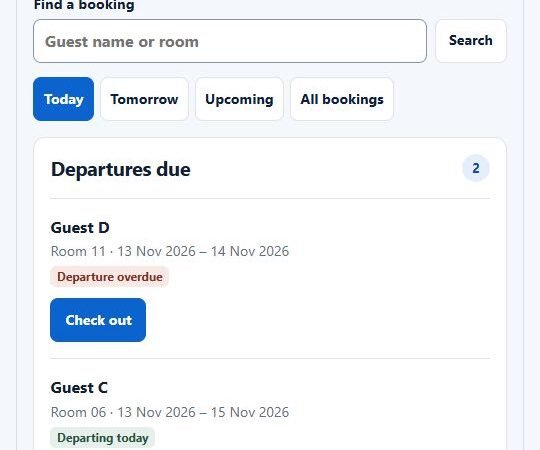
A spreadsheet that controls orders, a shared inbox full of customer updates, and staff copying the same details between systems are not minor operational inconveniences. They are signals that custom web application development may be a smarter investment than adding another disconnected tool. The right application gives a business one practical place to run a process, serve customers, and make decisions with current information.
For small and mid-sized companies, this is not about building software for the sake of it. It is about reducing friction in work that affects revenue, delivery, customer retention, or management time. A useful web application should earn its place by making a commercial process faster, clearer, or easier to scale.
Table of Contents
What Custom Web Application Development Solves
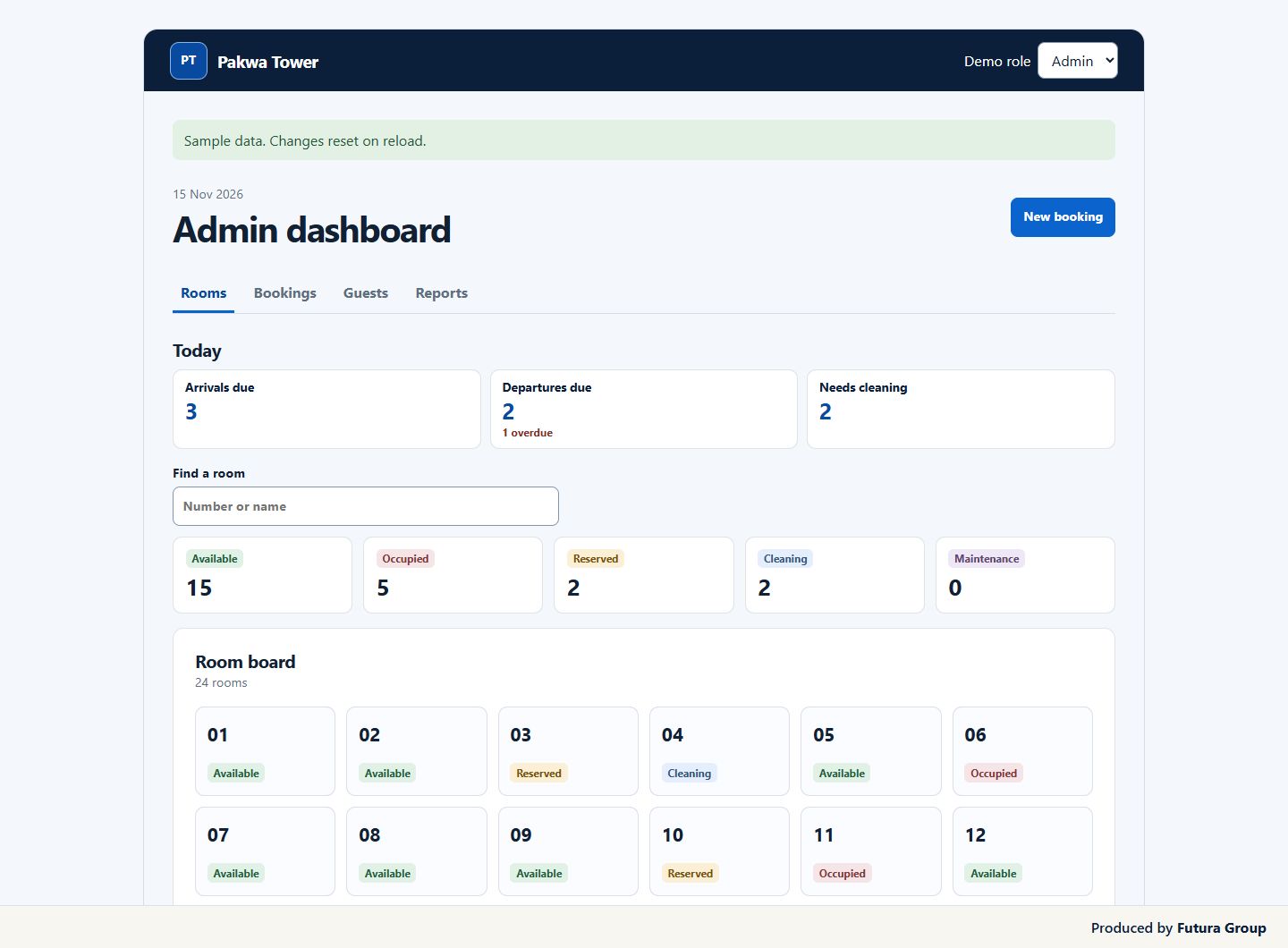
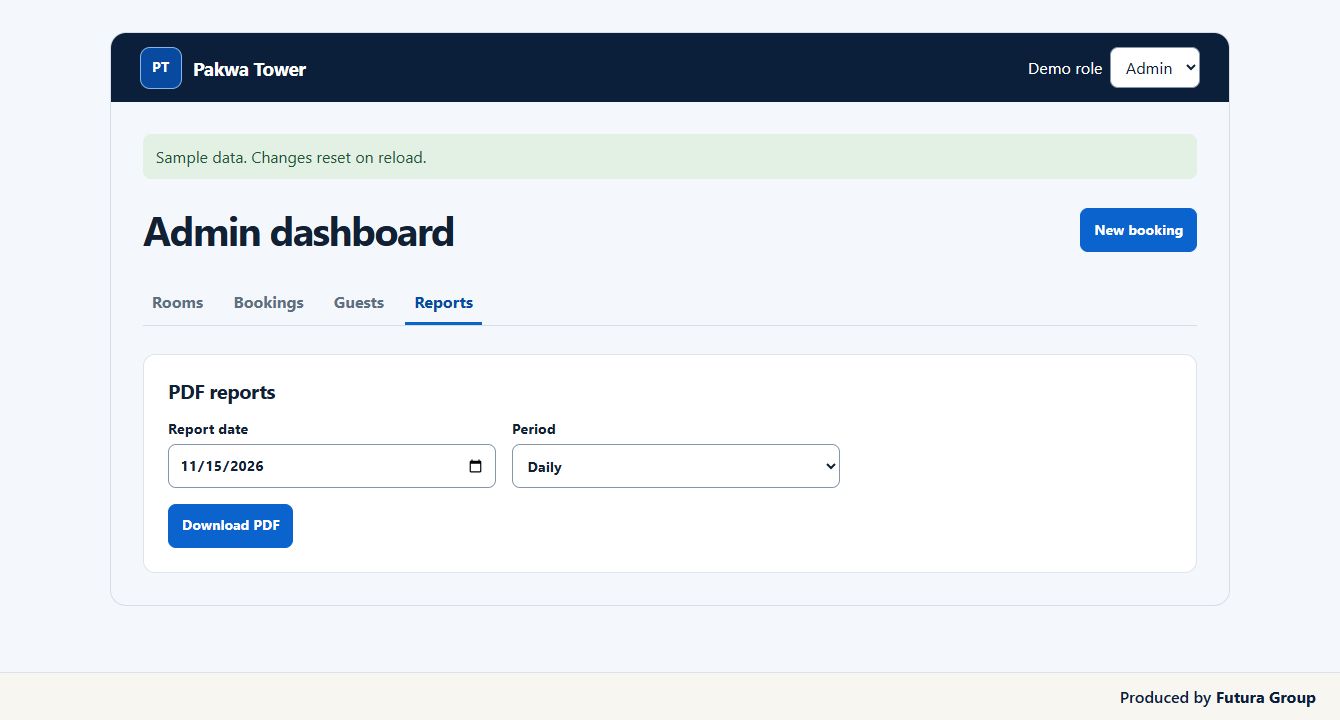
A website usually presents information, generates inquiries, or sells products. A web application does more active work. It allows users to log in, submit information, manage records, trigger workflows, access reports, or complete a specific task that would otherwise happen across email, spreadsheets, and separate platforms.
That distinction matters because many businesses outgrow their operational setup before they realize it. A property operator may need a tenant request portal and maintenance workflow. A service company may need an internal system that turns inquiries into assigned jobs, estimates, and follow-up tasks. An e-commerce business may need a back-office application for supplier updates, product data, fulfillment exceptions, and margin reporting.
Off-the-shelf software can solve part of the problem. It is often the best first move when the process is standard and speed matters most. The gap appears when your team starts creating workarounds: exporting and re-uploading files, duplicating records, paying for several platforms that do not communicate, or relying on one person who knows how the spreadsheet works.
Custom development is justified when the process itself is valuable, unusual, or central to how you serve customers. The goal is not to rebuild every tool you already use. It is to create the operational layer that connects the work and removes the parts slowing the business down.
Scope Custom Web Application Development Around One Business Problem
The most expensive development mistake happens before a developer writes code. It starts when a project begins with a long list of features rather than a clear understanding of the business problem.
A stronger starting point is specific: What takes too long? Where do errors occur? Which delay causes lost sales, poor service, or avoidable labor costs? Who needs information but cannot access it when they need it? These questions turn a vague request for a portal or dashboard into a defined business case.
For example, a client management portal is not automatically valuable because it has logins, messages, and document uploads. It becomes valuable when it reduces status-update calls, gives clients a trusted place to access documents, and helps the internal team spend more time on delivery instead of administration.
Before approving a build, define the measurable change you expect. That could be fewer manual touches per order, a shorter quote-to-sale cycle, less time producing weekly reports, higher repeat purchase rates, or a reduction in customer support tickets. The measurement does not need to be perfect, but it should be real enough to guide priorities.
Map the Workflow Before Designing Screens
Good applications are built around how work moves, not just how pages look. Map the process from the first trigger to the final outcome. Include the person responsible at each stage, the data created, the approval points, the exceptions, and the systems involved.
This exercise often reveals that the problem is smaller than expected. Perhaps a full customer portal is unnecessary, while a focused internal dashboard and automated status notifications would solve most of the issue. In other cases, it exposes requirements that cannot be treated as an afterthought, such as role-based permissions, audit history, integrations, or payment logic.
Clarity here protects your budget. It also gives a development partner the context needed to recommend a practical solution instead of simply building every requested feature.
Build the Smallest Version That Creates Value
A first release should handle the core transaction or workflow well. It should not try to become a complete operating system for the business on day one.
If you are developing a field-service application, the first version may need customer records, job assignment, status updates, photo uploads, and a basic management view. Advanced route optimization, custom reporting, inventory forecasting, and a native mobile app may be useful later, but they can wait until real users confirm what matters most.
This approach is often called a minimum viable product, but the phrase can be misleading. Minimum should not mean incomplete or unreliable. It means deliberately focused. The application must be usable, secure for its purpose, and capable of producing a meaningful result for the people who depend on it.
Phased development also improves decision-making. Once a team uses the application in real work, priorities become clearer. Features that sounded essential in planning may prove unnecessary, while a small reporting improvement or automated alert may deliver outsized value.
Choose Technology for Custom Web Application Development
The best technology stack is rarely the one with the most attention online. It is the one that fits the application, integrates with the tools you need to keep, and can be supported as the business grows.
A modern web application may include a front-end interface for users, a back-end system that handles business logic and data, a database, secure authentication, hosting, and connections to services such as payment processors, email platforms, accounting software, CRM systems, or shipping tools. Users do not need to understand every technical layer, but business owners should understand how these pieces affect cost, flexibility, and risk.
There are practical trade-offs. A no-code or low-code platform can be an excellent choice for internal tools, simpler workflows, and early validation. It can reduce launch time and initial cost. However, it may become restrictive if you need specialized logic, high-volume processing, complex permissions, or ownership of the application architecture.
A fully custom-coded application offers more control and can better support distinctive processes. It also requires greater planning, testing, and ongoing maintenance. Neither route is automatically superior. The right choice depends on the importance of the workflow, expected usage, budget, timeline, and likelihood of future change.
Security and Data Ownership Are Business Requirements
When an application stores customer data, financial records, contracts, property information, or internal operational data, security cannot be a final-stage checkbox. Access should reflect job roles. Sensitive actions should be recorded. Data should be backed up, and account security should be designed into the user experience.
The same applies to ownership. Know where the code is stored, who controls the hosting account, how data can be exported, and what happens if you change providers. A business should not be locked out of a system it paid to create because essential accounts sit under a third party’s control.
Security requirements should match the application. A simple internal tracker has different needs from a platform processing payments or managing confidential customer records. Still, every project benefits from clear access controls, tested backups, secure credential handling, and a process for updates.
5 essential steps for a better return
- Record the monthly time or cost the current process consumes.
- Write down the two roles involved in the workflow and what each is allowed to see.
- Choose one task to pilot before the full custom web application development begins.
- Test with sample records covering ordinary and exceptional cases.
- Keep a baseline and review time saved, error rates and adoption after launch.
For custom web application development, use the OWASP Application Security Verification Standard to turn security expectations into explicit acceptance criteria. See Futura Group’s web application development services to discuss scope, ownership and deployment.
Custom Web Application Development Needs a Growth Plan
Launching the first version is the beginning of operational learning, not the finish line. Usage data, staff feedback, support requests, and conversion behavior will show where the application creates value and where users hesitate.
Set aside time after launch to review the process. Are customers completing the steps you expected? Are staff returning to old spreadsheets because a key action takes too long? Is the system generating information that management can actually use? These answers should shape the next development cycle.
For customer-facing applications, visibility and conversion also matter. An application may support a strong acquisition strategy by improving lead handling, making service delivery more transparent, or giving customers a reason to return. But it should work alongside your website, search strategy, and sales process rather than exist as an isolated technical project.
Futura Group approaches custom web application development by identifying the daily tasks the software needs to support. The work starts with the process that needs improvement and builds toward a practical tool your team can use every day.
Start with one workflow that is costing time, causing mistakes, or limiting growth. If you can describe the current process, the people involved, and the result you need, you have the foundation for an application worth building.