
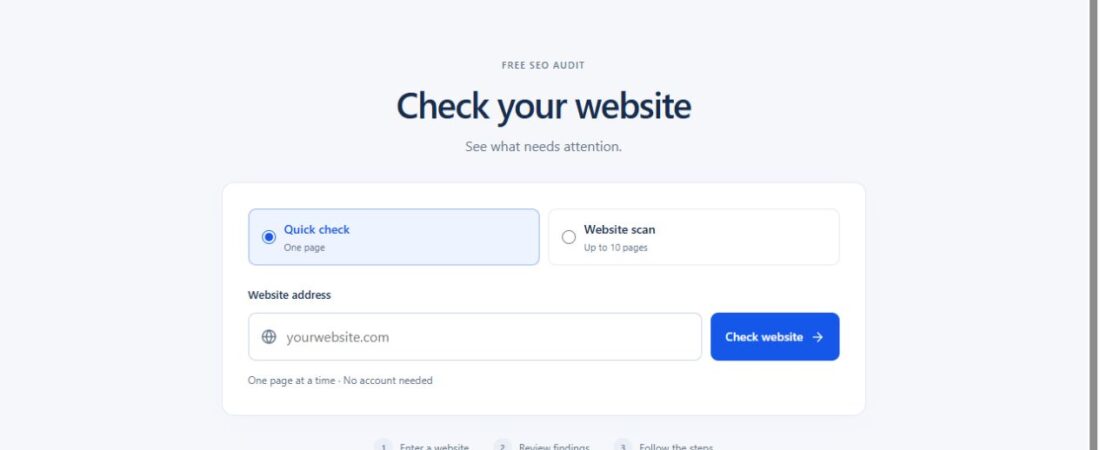
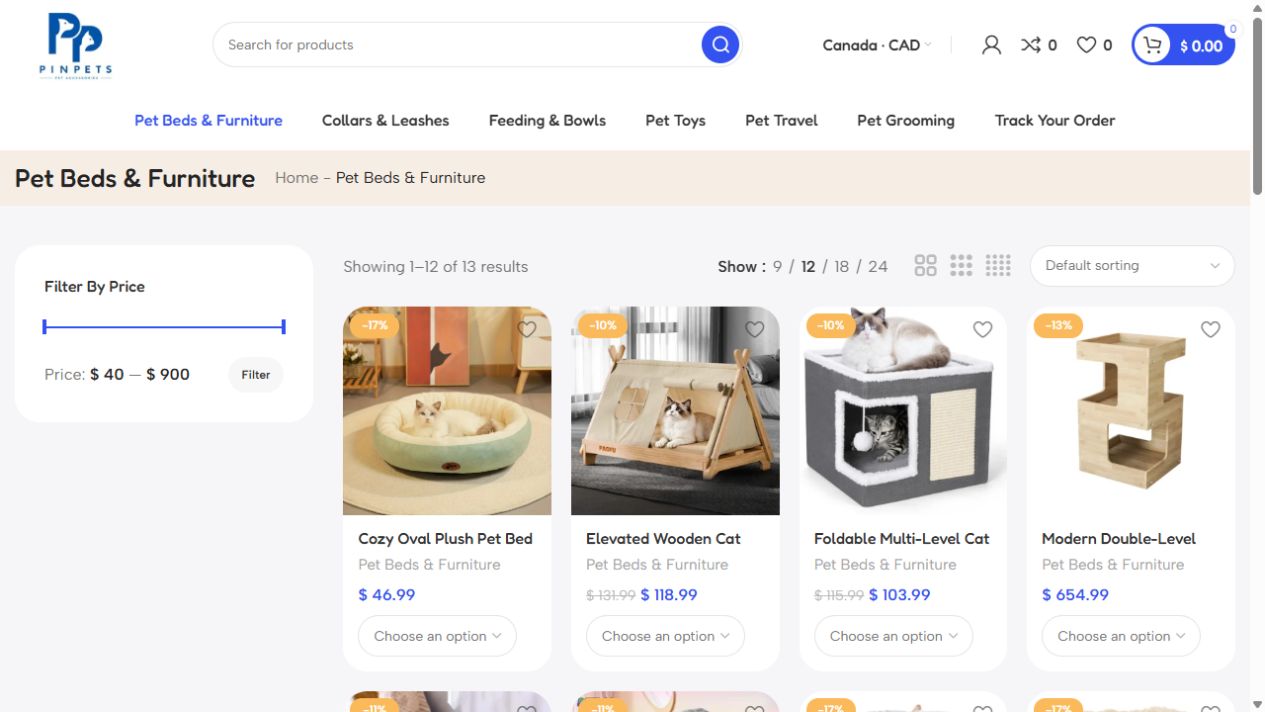
A product page can have strong images, clear copy, and the right price and still lose sales when Google cannot crawl it or mobile shoppers leave before checkout. This technical SEO audit guide helps you find those problems and decide what to fix first.
For a growing business, a technical SEO audit guide is useful when it ties each fix to the pages that bring in customers. It determines whether search engines can find your pages, understand what they offer, and serve them quickly to potential customers. Fixing the right problems can improve qualified traffic without creating a single new blog post.
In this guide
1. Set priorities for the technical SEO audit guide
Do not begin by fixing every issue an auditing tool reports. Start with the pages that matter commercially: service pages, product and category pages, booking pages, location pages, and lead-generation landing pages. A missing image alt attribute on an old blog post is rarely as urgent as an unindexed product category or a broken checkout path.
Set a baseline at the start of this technical SEO audit guide. Record organic sessions, leads or sales from organic traffic, indexed-page counts, top landing pages, crawl errors, and Core Web Vitals. Then connect each finding to one of three outcomes: visibility, user experience, or conversion.
Start with the highest-impact checks in this technical SEO audit guide:
- Pages blocked from crawling or indexing when they should be visible
- Broken redirects, server errors, and pages returning the wrong status code
- Duplicate or conflicting URLs that dilute authority
- Mobile speed and usability issues on high-value pages
- Structured data or internal-linking gaps that limit search understanding
The order can change. For example, an e-commerce store with thousands of filters may need to address crawl waste before it invests in speed improvements. A local service business with only 30 pages may get a faster result from correcting indexation and location-page architecture.
2. Check whether search engines can reach your pages
Use Google’s technical requirements as a starting point. In Search Console, compare the indexed version of a priority page with the live test and confirm that the intended URL returns HTTP 200.
Review robots.txt, sitemaps, and crawl paths
Your robots.txt file tells crawlers which parts of a site they should avoid. It is useful for restricting low-value areas such as internal search results, staging folders, cart pages, and certain filtered URLs. But a broad disallow rule can quietly block product, service, or image pages that need to rank.
Use this section of the technical SEO audit guide after a redesign or migration, especially if organic traffic drops. Review each robots.txt rule against the URLs it affects. Confirm that essential page sections are crawlable and that your XML sitemap includes only canonical, indexable URLs that return a 200 status code. A sitemap is not a guarantee of indexation, but it gives search engines a clean map of the pages you want considered.
Next, examine internal links. Important pages should be reachable through normal HTML links from relevant category pages, navigation, breadcrumbs, or related-content sections. If a page exists only through a site-search function, a JavaScript interaction, or a form submission, search engines may struggle to discover it consistently.
Indexing checks for a technical SEO audit guide
A page can be crawlable but still excluded from search. Common causes include a noindex tag, an incorrect canonical tag, duplicate content, thin pages, or soft 404 behavior. A soft 404 happens when a page looks empty or unavailable to users but returns a 200 success code instead of a proper 404 or 410.
Compare the URLs in your sitemap with the pages indexed in Google Search Console. Investigate meaningful gaps rather than chasing every excluded URL. Some exclusions are healthy: thank-you pages, login screens, parameter-heavy filtered pages, and duplicate print versions do not usually need to appear in search results.
Include canonical tags in any technical SEO audit guide for an e-commerce site. A canonical tells search engines which version of a similar page should be treated as primary. If a product URL canonicals to a category page by mistake, or every page canonicals to the home page, you are sending conflicting instructions. Canonicals should support a clear URL strategy, not cover up a chaotic one.
3. Diagnose URL, redirect, and navigation problems
For the URL checks in this technical SEO audit guide, record the HTTP status of each priority page. A live page returns 200. A permanently moved page generally returns 301. A page removed without a replacement should return 404 or 410. These signals help search engines allocate crawl resources and help users avoid dead ends.
Audit redirect chains, where one URL redirects to another and then another. One redirect is often unavoidable during a migration. Multiple hops slow down users, waste crawl activity, and can cause tracking errors. Update internal links to point directly to the final destination.
Also look for inconsistent URL versions. HTTP versus HTTPS, www versus non-www, trailing slashes, uppercase URLs, and tracking parameters can all create duplicate paths to the same content. Choose a preferred format and enforce it through redirects, canonical tags, internal links, and your sitemap.
Your site architecture should make commercial sense. A visitor should be able to move from a broad category to a specific offer in a few logical steps. Search engines use that same structure to understand topical relationships. If your best service page is buried under five clicks and has no contextual internal links, it is being treated as less important than it should be.
4. Test speed and the mobile experience
A technical SEO audit guide should measure page speed where it can affect sales. A slow product page can waste ad spend, frustrate returning visitors, and reduce form submissions before a prospect ever reads your offer.
Use field data for the speed checks in this technical SEO audit guide, since it reflects real visitors, devices, and network conditions. Then inspect high-value templates: the home page, a service page, category pages, product pages, cart, checkout, and lead form pages. Testing only the home page can hide the pages where revenue is actually lost.
Look closely at the three Core Web Vitals. Largest Contentful Paint measures how quickly the main visible content appears. Interaction to Next Paint reflects responsiveness after a user interacts with the page. Cumulative Layout Shift measures unwanted movement, such as a buy button jumping after an image or banner loads.
Common fixes include properly sizing and compressing images, limiting heavy third-party scripts, delaying nonessential JavaScript, using efficient fonts, and improving server response time. Do not remove useful features simply to achieve a perfect score. A live chat tool, payment provider, or product-recommendation app may add weight but still create commercial value. Measure the trade-off before removing it.
Mobile checks should go beyond screen size. Test menu behavior, form fields, tap targets, pop-ups, checkout steps, and whether key content is hidden on smaller screens. If a customer cannot request a quote or complete a purchase comfortably from a phone, more rankings will not solve the problem.
5. Check structured data and rendering
In this technical SEO audit guide, check that structured data gives search engines the same information customers see. Depending on your business, this may include Organization, LocalBusiness, Product, Review, FAQ, Breadcrumb, Article, or Service-related markup. Accurate markup can improve eligibility for rich results, but it does not guarantee them.
The key word is accurate. Product schema should match the visible price, availability, and description. Review markup must represent genuine reviews. Adding structured data that users cannot see or that overstates what the page offers creates risk without building trust.
Add a rendering check to your technical SEO audit guide if the site relies on JavaScript to display navigation, product details, or pricing. Many platforms load page content through JavaScript. Search engines can process JavaScript, but it can take longer and may fail when scripts are blocked, delayed, or dependent on user actions. Compare the rendered page with the raw HTML and confirm that core content, links, headings, product details, and metadata are available consistently.
6. Turn audit findings into a fix list
Put this technical SEO audit guide into practice with one row per issue. Record the affected URL, business impact, proposed fix, owner, and verification date. Keep the original measurement beside the post-fix result so you can separate changes from seasonal fluctuations.
A technical audit is useful only when it produces an ordered implementation plan. For each issue, document the affected URL or template, the likely business impact, the recommended fix, the owner, and the validation method. Avoid vague actions such as “improve site speed.” Instead, define the task: “Convert category-page hero images to next-generation formats and set width and height attributes.”
Use this technical SEO audit guide to group fixes by effort and impact. High-impact, low-effort work might include removing accidental noindex tags, repairing broken canonicals, submitting a clean sitemap, or redirecting retired URLs. Larger work may involve redesigning navigation, changing a JavaScript framework, or rebuilding filter logic on an e-commerce site.
After deployment, repeat the relevant steps in this technical SEO audit guide and monitor Search Console, rankings, organic landing-page traffic, and conversion behavior. Technical changes sometimes produce results quickly, especially after indexation errors are corrected. Others need time because search engines must recrawl, process, and reevaluate the affected pages.
For businesses without an internal SEO or development team, the handoff matters as much as the diagnosis. Developers need clear requirements, marketers need to protect content and conversion elements, and leadership needs a view of expected commercial upside. This is where a technical SEO audit becomes an execution tool rather than a report that sits in a folder.
A well-run technical SEO audit guide gives your website a cleaner foundation for content, AI visibility, paid campaigns, and sales growth. Fix the barriers closest to revenue first, validate every change, and keep technical quality part of your regular operating rhythm.
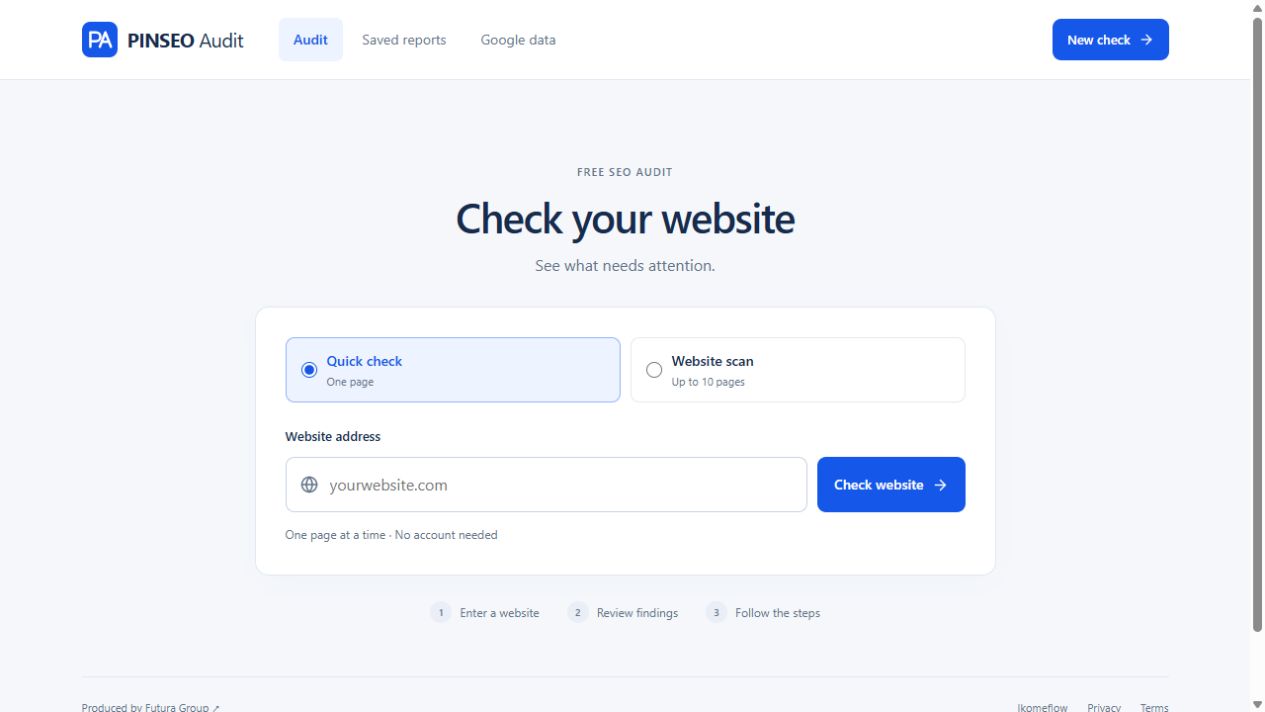
Need help prioritizing fixes? Talk to PINSEO about a technical SEO audit for your most important pages.