

An ecommerce platform decision can quietly shape your next three years of sales, marketing costs, and daily workload. Knowing how to choose an ecommerce platform is not about finding the tool with the longest feature list. It is about choosing the system that supports how you sell now, removes operational friction, and can grow without forcing an expensive rebuild.
A small catalog selling directly to consumers has different needs from a wholesaler managing negotiated pricing, regional delivery, and repeat business customers. Start with your commercial model, then assess technology. That order saves time and prevents buying a platform based on attractive templates or trend-driven recommendations.
In this guide
Start With Your Business Model, Not the Software
Before comparing platforms, document how money moves through your business. Consider what you sell, who buys, where they are located, and what happens after an order is placed. A fashion store with 40 products, a food supplier handling bulk orders, and a company selling digital training products may all be “ecommerce businesses,” but they need very different systems.
Clarify whether you sell physical goods, services, subscriptions, digital downloads, wholesale products, or a mix. Physical products may require inventory controls, shipping rules, returns management, and product variations. Digital products need secure delivery and access controls. Service businesses may care more about booking, deposits, invoices, and lead qualification than a conventional shopping cart.
Also look at your expected order volume. An ecommerce platform that works well for ten orders a week can become inefficient when you process hundreds of orders, operate multiple warehouses, or need staff permissions across teams. Do not pay for enterprise complexity before it is justified, but do not select a basic system that creates manual work from day one.
how to choose an ecommerce platform Around Real Requirements
Create a short list of non-negotiables before booking demos or starting a trial. These are functions your business cannot operate without, not features that simply sound useful. For example, international sellers may require multiple currencies and local payment methods. B2B suppliers may need customer-specific prices, minimum order quantities, quotation workflows, and account approval.
Your requirements will usually fall into five practical areas:
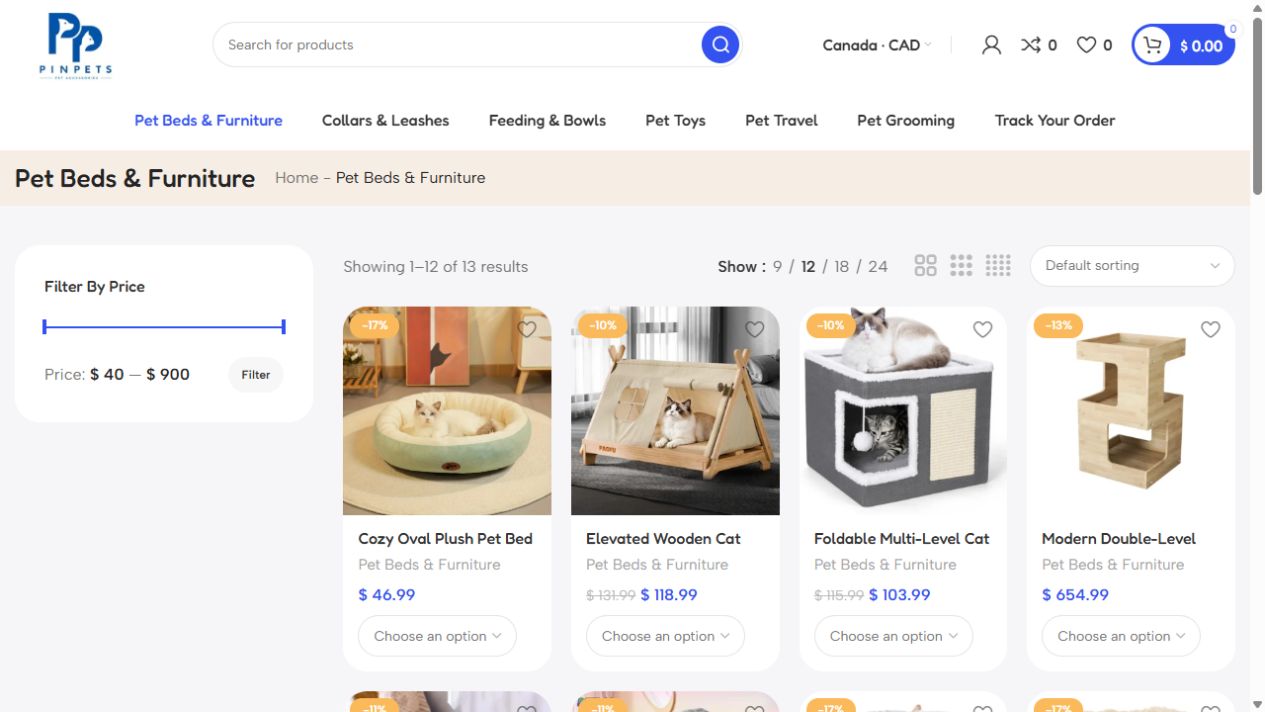
- Product and catalog management, including variants, bundles, inventory, and pricing rules.
- Checkout and payments, including the gateways your customers trust and use.
- Fulfillment, including shipping zones, taxes, stock updates, returns, and delivery integrations.
- Marketing and visibility, including SEO controls, promotions, analytics, email connections, and product feeds.
- Administration, including staff roles, reporting, integrations, security, and ongoing maintenance.
Rank each requirement as essential, useful, or optional. This keeps the selection process commercial. A platform should solve high-value operational problems, not create a new monthly bill for features nobody uses.
Compare Ecommerce Platform Types Before Comparing Brands
Most ecommerce platforms sit in one of three categories: hosted platforms, open-source systems, and custom-built solutions. Each can be the right decision depending on your goals and resources.
Hosted platforms provide the core infrastructure, security updates, hosting, and a managed admin area. They are generally faster to launch and easier for non-technical teams to operate. The trade-off is that your customization options may depend on available apps, approved integrations, and the ecommerce platform’s rules. Monthly costs can also grow as you add apps, payment fees, or higher-tier plans.
Open-source systems offer more flexibility and ownership over the website environment. They can be a strong option when you need advanced customization, complex catalogs, or a tailored content and SEO setup. However, flexibility comes with responsibility. Hosting, security, updates, performance, backups, and development support need active management. The platform may be free to install, but it is not free to run properly.
Custom ecommerce development makes sense when the buying journey, pricing logic, fulfillment process, or customer portal is central to your competitive advantage. It is rarely the right starting point for a new store with standard requirements. Custom builds require a clear specification, a realistic support plan, and a budget for improvements after launch. Build custom when the business case is clear, not because an off-the-shelf checkout feels limiting in theory.
Calculate the Total Cost, Not the Subscription Price
A low monthly plan can become expensive once you add payment processing, premium themes, transaction fees, apps, developer time, and support. On the other hand, an open-source setup may have no license fee but require regular technical work that is easy to underestimate.
Build a 12-month cost view for each option. Include setup, design, migration, hosting, payment fees, extensions, maintenance, staff training, and expected marketing tools. If you need a developer for every content update or product change, factor that into the operating cost as well.
Cost should be judged against commercial return. Paying more for an ecommerce platform can be sensible if it reduces abandoned carts, makes inventory more accurate, supports better product merchandising, or lets your team process orders faster. The goal is not the cheapest platform. The goal is a platform that produces profitable, manageable growth.
Treat SEO and AI Visibility as Ecommerce Platform Requirements
An ecommerce site cannot rely only on paid ads or marketplace traffic. Product pages, collection pages, guides, category copy, and technical site structure all influence whether customers can find you through organic search and AI-powered discovery tools.
Check how your ecommerce platform handles editable page titles, meta descriptions, headings, URLs, image alt text, canonical tags, redirects, structured product data, and XML sitemaps. You should be able to optimize category and product pages without needing a developer for every improvement. Fast loading pages and clean mobile experiences also matter because search visibility and conversion rate often move together.
Be careful with platforms that generate poor URLs, restrict content layouts, duplicate product pages, or make redirects difficult during migration. These issues can damage traffic after launch or make future SEO work unnecessarily expensive.
For businesses investing in SEO, AEO, and content, the platform must support more than a basic store. It should allow you to publish useful buying guides, comparison pages, FAQs where relevant, and brand content that answers customer questions. Your ecommerce platform is part of your acquisition system, not just your checkout system.
Test Checkout, Operations, and Integrations
A polished homepage does not prove that an ecommerce platform will work for your team. Run real scenarios during a trial or demo. Add products with variants. Apply a discount. Test a mobile checkout. Create a refund. Change stock levels. Process a test order. Review what an order notification looks like for both your team and the customer.
Pay close attention to payment methods. Customers abandon purchases when their preferred way to pay is unavailable or the checkout appears unfamiliar. Confirm gateway availability in every market you serve, along with settlement timing, fees, fraud controls, and support for local cards or wallets where relevant.
Then assess integrations. Your ecommerce platform may need to connect with accounting software, email marketing, CRM, inventory systems, shipping providers, marketplaces, customer support tools, or automation workflows. Native integrations are usually easier to maintain. Third-party connectors can work well, but ask who owns the relationship if an update breaks the connection.
Automation is especially valuable when order volume increases. Simple workflows can notify a team when stock is low, tag repeat customers, route high-value orders for review, or send post-purchase follow-ups. But avoid adding automation before the core process is stable. Automating a confusing process only creates confusion faster.
Plan for Migration and Ownership
If you already have a store, migration deserves its own workstream. Product data, customer records, order history, URLs, images, reviews, tracking codes, and email flows may all need to move. The highest-risk area is often SEO. A poorly handled migration can lead to lost rankings, broken pages, and a sharp drop in organic revenue.
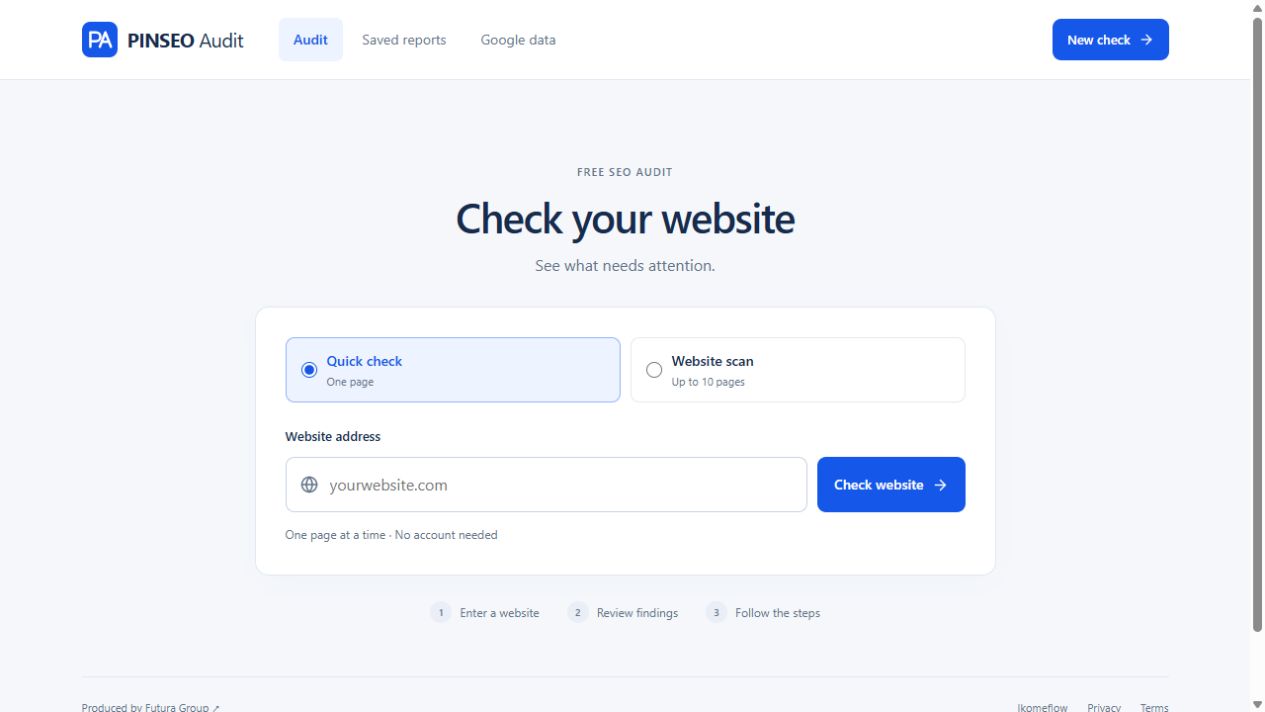
Map current URLs and set up proper redirects before launch. Validate product data, test analytics, and confirm that important historical customer information is retained where appropriate. Launching quickly is useful, but launching with broken payment tracking or missing redirects is costly.
Ask who owns the domain, hosting environment, source code where applicable, product data, design files, and third-party accounts. Your business should retain access to the assets it depends on. This is particularly important when working with an agency, developer, or marketplace partner.
Make the Decision With a Practical Scorecard
Give each shortlisted ecommerce platform a score based on your essential requirements, total cost, ease of management, SEO capabilities, payment support, integration quality, and likely growth needs. Use weighted scores if certain factors matter more. For example, a cross-border retailer may give payments and shipping more weight, while a content-led brand may prioritize SEO control and page flexibility.
Do not choose based only on what works today. Choose the option that your team can operate confidently for the next stage of business. A platform should make it easier to publish, sell, fulfill, measure, and improve.
The best choice is rarely the ecommerce platform with the most features. It is the one that lets your business serve customers well while keeping your operations clear enough to act on what the numbers are telling you. Start with the customer journey and your team’s real workflow, then choose technology that earns its place in both.
Before choosing a platform, check how it handles product data and crawlable navigation against Google’s ecommerce documentation.