

A category page is not just a shelf of products. It is often the page where a shopper decides whether your store has what they need, at the right price, with enough confidence to continue. Done well, ecommerce category page SEO helps these commercial pages appear for high-intent searches and gives visitors a clear path to purchase.
For many online stores, product pages get most of the attention. That makes sense when a buyer searches for a specific item. But customers frequently begin with broader searches such as “men’s running shoes,” “organic dog treats,” or “office chairs for small spaces.” Category pages are built to compete for those searches. They need to rank, guide selection, and support conversion without becoming a wall of keywords or filters.
In this guide
Start With Search Intent, Not Product Inventory
The strongest category pages are organized around what customers are trying to buy, not simply how your warehouse, supplier feed, or internal spreadsheet is organized. A store may list products by brand, SKU family, or supplier. Searchers do not usually think that way.
Before building or optimizing a category page, identify the primary phrase, the close variations, and the intent behind them. A search for “wireless security cameras” usually calls for a broad category page with clear product comparisons. A search for “outdoor wireless security camera with night vision” may need a more focused subcategory or collection page.
This distinction matters because trying to make one broad page rank for every variation can create an unfocused experience. On the other hand, creating a separate category for every long-tail phrase can leave your store with thin pages that compete against one another. The right structure depends on product depth, search demand, and whether each group of terms represents a meaningfully different shopping need.
A practical keyword map should answer three questions: what does the customer want, which page should serve that search, and what action should the page encourage? If two keywords lead shoppers to the same product selection, they often belong on one well-optimized page. If they require different products, pricing, or buying advice, separate pages may be justified.
Build a Category Page Structure Search Engines Can Follow
A logical site hierarchy helps customers browse and helps search engines understand relationships between products and collections. Most stores benefit from a simple path: main category, subcategory, then product page. For example, Pet Supplies can lead to Dog Food, then Grain-Free Dog Food, then individual products.
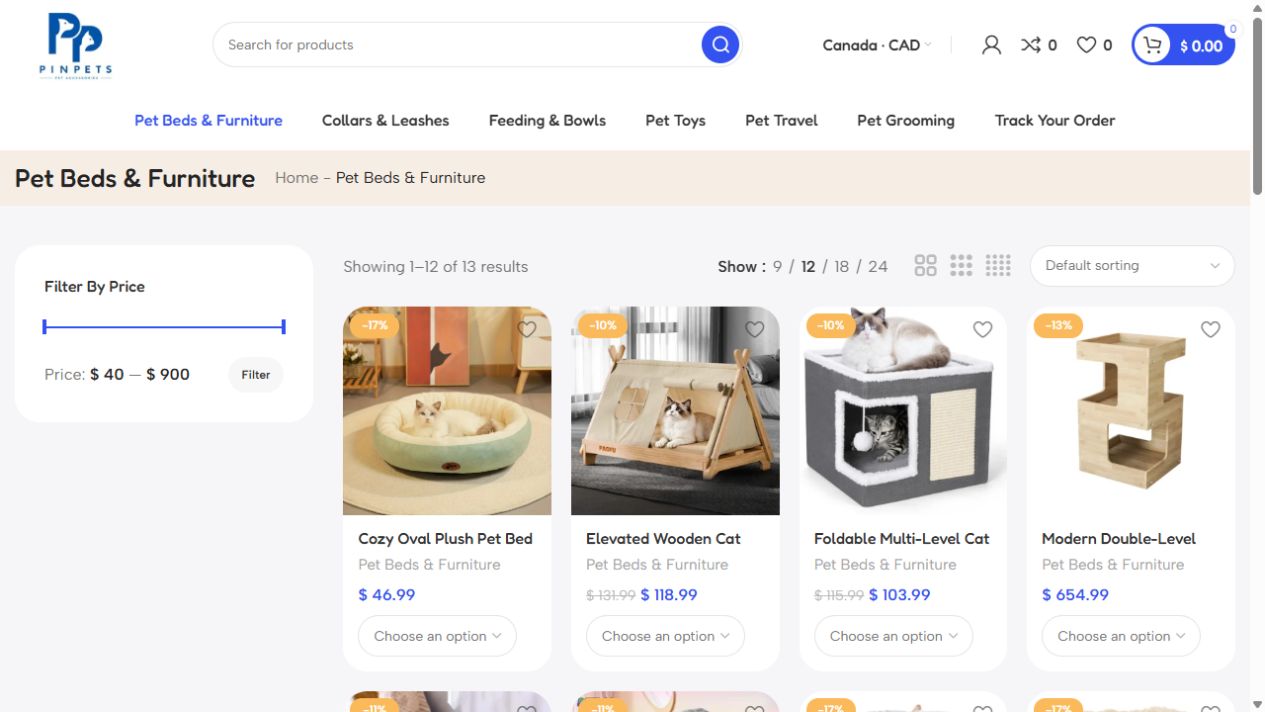
Keep important categories close to the homepage and navigation. Pages that sit several clicks deep or exist only through filter combinations may receive less internal authority and may be harder for search engines to discover consistently.
Faceted navigation needs particular care. Filters for size, color, price, material, brand, and availability are useful for shoppers, but they can generate thousands of near-duplicate URLs. That wastes crawl resources and can dilute signals across pages.
The answer is not to remove useful filters. Instead, decide which filtered combinations deserve to be indexable landing pages because they match real search demand. A page for “black leather office chairs” may deserve dedicated optimization if it has inventory and search opportunity. A temporary URL for “chairs under $247” usually does not. Control other parameter pages with a combination of canonical tags, noindex directives where appropriate, and careful URL rules.
Make On-Page Ecommerce Category Page SEO Commercially Useful
Every core category page should have a clear, unique title tag and H1 that reflect the primary product group. Avoid generic labels such as “Products” or copied manufacturer names where a shopper-facing phrase would be stronger. The page title should communicate what is available and, where useful, a genuine differentiator such as wholesale availability, local delivery, premium materials, or a key use case.
The category page should make selection easy. Put the product grid where shoppers expect it, show useful filters, and make product cards informative enough to compare options quickly. Pricing, ratings, stock status, key attributes, and strong images can all reduce friction, depending on the product type.
Category copy still has a role, but it should earn its space. A short introduction near the top can explain the product range and reinforce relevance. More detailed buying guidance can sit below the product grid, where it supports search relevance without blocking shoppers from browsing.
Good copy answers questions that affect buying decisions. For a category of commercial fish supply products, that may include sizes, packaging, order quantities, freshness handling, and delivery coverage. For a clothing collection, it may cover fit, fabric, occasion, and care. Write for the customer first, then naturally include the language they use in search.
Avoid writing 800 words of repetitive text just to make a page look optimized. A category with a narrow product range may need only a few useful paragraphs. A high-consideration category may justify a stronger buying guide. The goal is relevance and clarity, not word count.
Use Internal Links to Support Decisions
Internal links help category pages perform beyond navigation alone. Link from relevant editorial pages, buying guides, brand pages, and related categories using natural descriptive anchor text. A guide about preparing for a new puppy can point readers toward puppy food, crates, and training supplies.
Also add relevant cross-category paths on the category page itself. Someone shopping for running shoes may need performance socks or hydration gear. These recommendations should support the shopping journey, not distract from the main product selection.
Protect Product Discovery When Inventory Changes
Ecommerce SEO is operational. Pages can lose value quickly when products go out of stock, seasonal collections disappear, or a platform automatically changes URLs. Category pages are often more stable than individual products, which makes them valuable long-term assets.
Keep category URLs stable whenever possible. If a collection name needs a marketing refresh, do not casually replace a URL that has earned rankings and links. If a change is necessary, use a permanent redirect to the closest equivalent page.
When items are temporarily unavailable, keep them visible when a restock is expected and offer alternatives. When a product is permanently discontinued, redirect it only if there is a genuinely relevant replacement. Redirecting every old product to a broad category can frustrate users and send weak relevance signals.
Out-of-stock products can also affect category quality. If the first row of a collection is filled with unavailable items, shoppers may leave before seeing what they can buy. Configure sorting rules that prioritize available inventory while preserving business priorities such as best sellers and higher-margin products.
Improve Page Experience Without Sacrificing Crawlability
A beautiful category page that loads slowly on mobile will cost sales. Large product images, heavy scripts, pop-ups, third-party review tools, and poorly configured filters can make category pages sluggish, especially for customers on mobile networks.
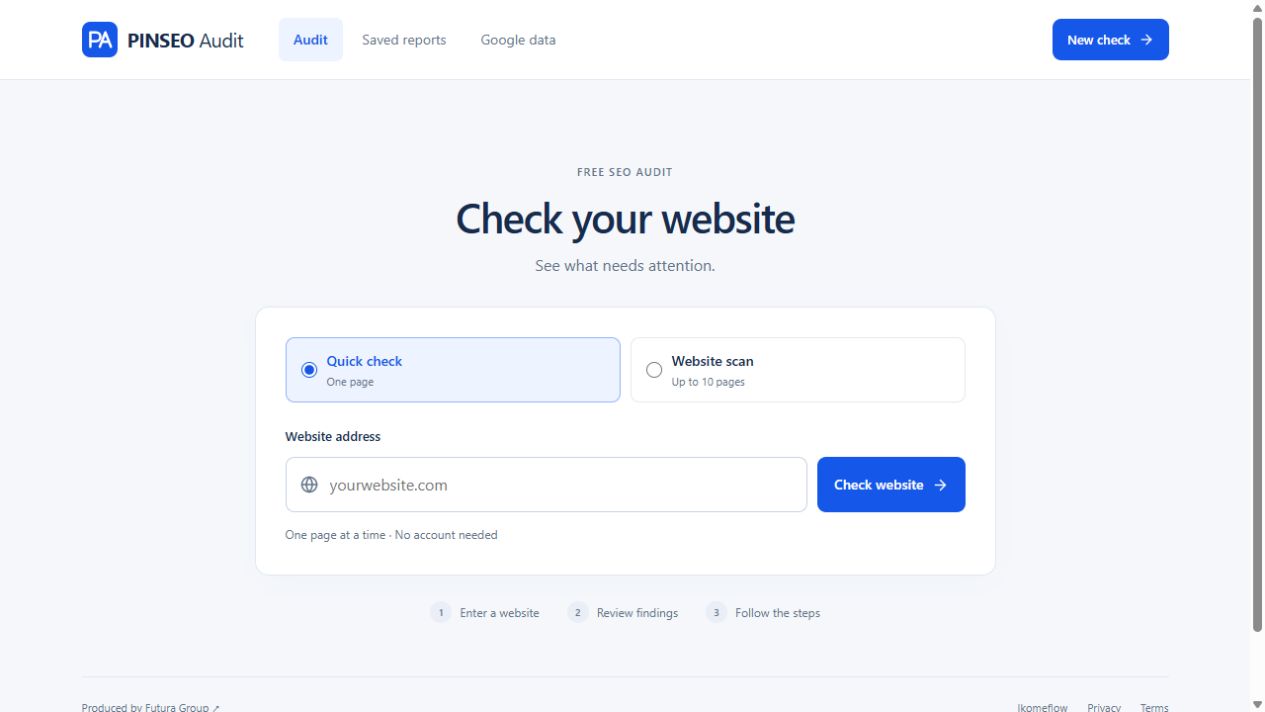
Focus on practical improvements: compress and correctly size images, limit unnecessary app scripts, keep primary content visible quickly, and test filters on real mobile devices. Infinite scroll can look modern, but it may create problems if search engines or users cannot reliably reach products farther down the list. Pagination or a well-implemented load-more option is often easier to manage.
Structured data can also help search engines interpret products and navigation, but it must match visible information. Do not mark up prices, availability, or ratings that customers cannot actually see. Technical SEO works best when it reflects a trustworthy storefront rather than trying to manufacture enhanced results.
Measure the Metrics That Lead to Revenue
Rankings matter, but they are not the finish line. Track impressions, clicks, organic sessions, product-list views, filter use, add-to-cart rate, checkout progression, and revenue by category page. A page ranking in position three but converting poorly may have a pricing, inventory, trust, or usability issue rather than an SEO problem.
Compare category page performance by device as well. A collection that converts well on desktop but struggles on mobile may need a simpler filter experience, better product card layout, or faster images. Review search queries regularly to find terms that deserve a dedicated subcategory, clearer copy, or a new inventory group.
Futura Group approaches e-commerce work as a commercial system: search visibility, page structure, technical performance, and conversion all need to work together. Improving only one layer can produce limited results.
Your category pages should make a shopper feel that they have arrived in the right place within seconds. When the product range, language, filters, and next steps all match the search, SEO stops being a traffic exercise and becomes part of the sales operation.
When auditing a category, follow its links from the main navigation through to individual products. Compare that path with Google’s guide to ecommerce site structure.