
This ecommerce SEO course guide helps you choose training that connects search visibility with useful product and category pages. If you run a Shopify or WooCommerce store, the important question is what you will be able to improve after studying. Compare the project, the learning format and the full cost before you enrol.
PINSEO Academy · Futura Group PINSEO Department
This guide is published by PINSEO Academy, which offers the courses discussed below.
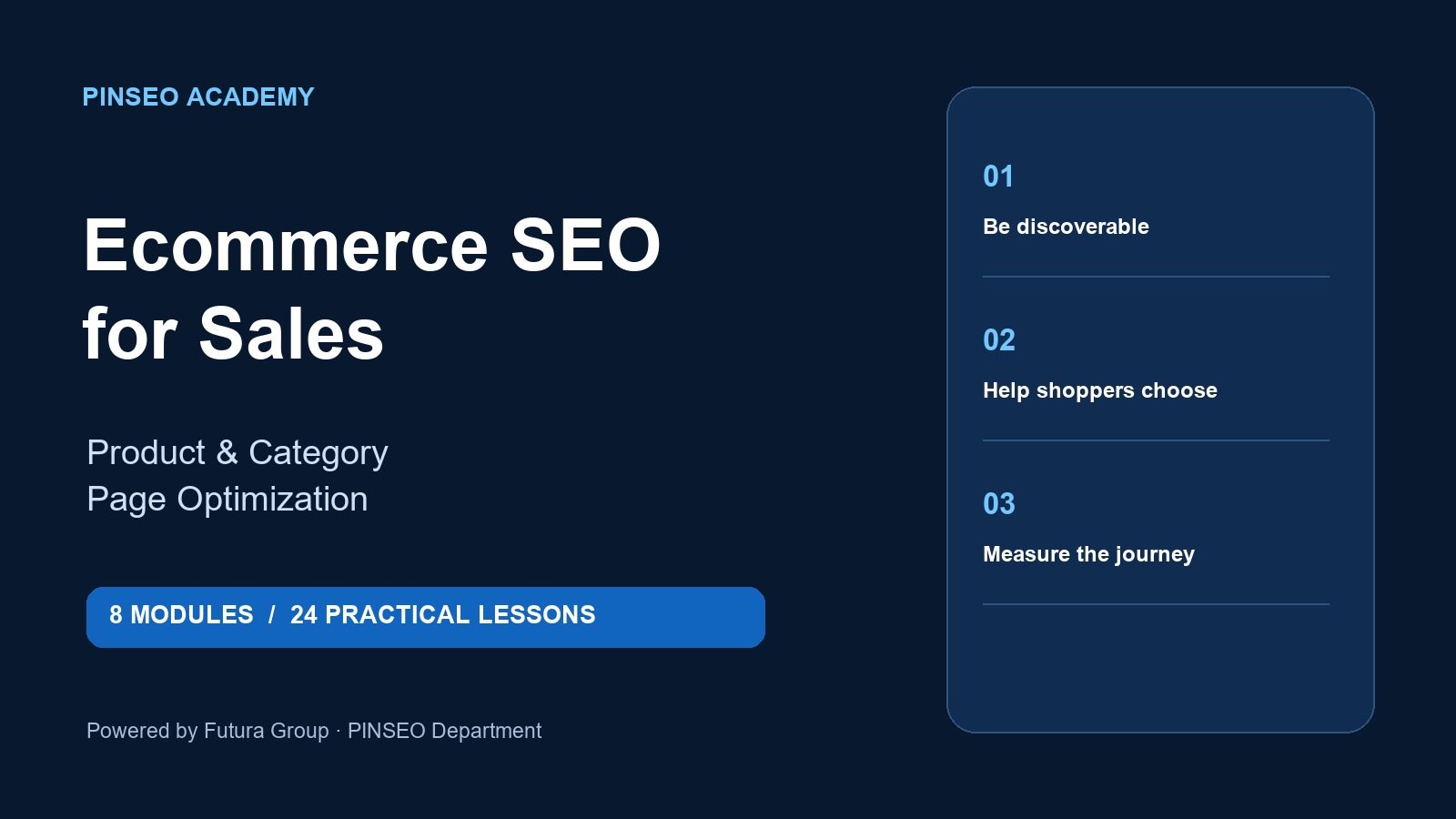
Table of Contents
Start with the store problem you need to solve
A store with weak product descriptions needs different work from a store whose category pages target the wrong searches. Write down one immediate problem: products that receive few relevant visits, categories that do not explain the range, or overlapping pages competing for the same query. Use that problem to judge every course syllabus.
For example, a shop selling ceramic mugs might need a category for a broad shopping query and a product page for a specific handmade mug. A useful lesson should show how those pages work together. Repeating the same phrase across every page is not a strategy.
Ecommerce SEO course guide: 7 checks before enrolling
- Product and category coverage. Look for lessons on both page types. Product detail supports a specific choice; a category helps shoppers compare a range.
- Search intent mapping. Training should connect each important query with a suitable page and explain when a buying guide is more appropriate.
- Platform relevance. Shopify and WooCommerce examples should make the principles easier to apply without pretending every theme has the same controls.
- Practical outputs. Ask whether you create page briefs, rewritten titles, internal links and a measurement plan.
- Technical boundaries. The syllabus should explain indexing, duplicate URLs and structured data at an appropriate level, including when developer help is needed.
- Learning format. Check whether lessons are written, video-based, live or self-paced. Choose the format you will actually complete.
- Transparent costs. Compare the course fee, any required subscriptions and the time needed to carry out the exercises.
Use this ecommerce SEO course guide as a shortlist filter. A course with a clear, manageable project can be more useful to a small store than a large library of disconnected lessons.
Ecommerce SEO course guide: choose a practical project
Choose five products in one category. Record their current titles, descriptions, internal links and search intent. Then write a better brief for each page, explaining the customer question it answers and the product facts it needs. Finish with a category-page outline that helps a shopper choose among those products.
For a mug, useful information could include capacity, material, dimensions and care instructions, provided those facts are accurate. A category page might explain the differences between sizes or intended uses. This makes the exercise commercially useful without inventing sales claims.
Keep a dated change log and record the starting search performance where data is available. Evaluate relevant visits and useful next actions over time. A completed worksheet is evidence of learning; it is not evidence that Google has improved your rankings.
Compare the price with what you receive
PINSEO Academy’s Ecommerce SEO for Sales course includes eight modules, 24 written lessons, an 11-page workbook and 10 editable worksheets. The practical project covers five products and one category, with Shopify and WooCommerce examples.
The published introductory price is US$69.00, with US$79.00 scheduled after 26 October 2026. Check the live course page for the current offer. This is self-paced written training; do not budget on the assumption that live coaching, video lessons or personal assessment are included.
When comparing offers, separate learning resources from software costs. You can prepare briefs in a spreadsheet, but implementing changes may require store access and, for some technical work, help from whoever maintains your theme. Paying more is not automatically better; paying for a format or service you need can be worthwhile.
Choose the right course for your stage
Choose this store-focused course if you already run or support an online shop and want a bounded improvement project. If you first need to identify which searches matter, review Keyword Research for Businesses. For service pages and broader webpage audits, compare On-Page SEO Blueprint.
Before buying, read a curriculum from start to finish and identify the first page you will work on. Reserve time for implementation as well as study. Training is easier to apply when you have a small, real project and permission to edit the relevant pages.
Google’s ecommerce SEO documentation is a useful free reference alongside structured training. A paid course should earn its place through sequencing, exercises and practical application, rather than simply reproducing public documentation.
Frequently asked questions
Is this a Shopify store-building course?
No. The PINSEO course focuses on ecommerce SEO and page improvement. Shopify and WooCommerce examples support that workflow; setting up a complete store or custom coding is a different task.
Does an ecommerce SEO course guarantee sales?
No course can guarantee rankings or revenue. Product fit, pricing, the shopping experience, competition and implementation all affect results. Choose training for the skills and practical work it provides.
Where should I start before enrolling?
Choose one category and five products you can work on. Then check the course curriculum, current price and included downloads to confirm they fit that project.
Choose your next practical skill
Review the lessons, included resources and current price, then enrol if the course fits your goal.