
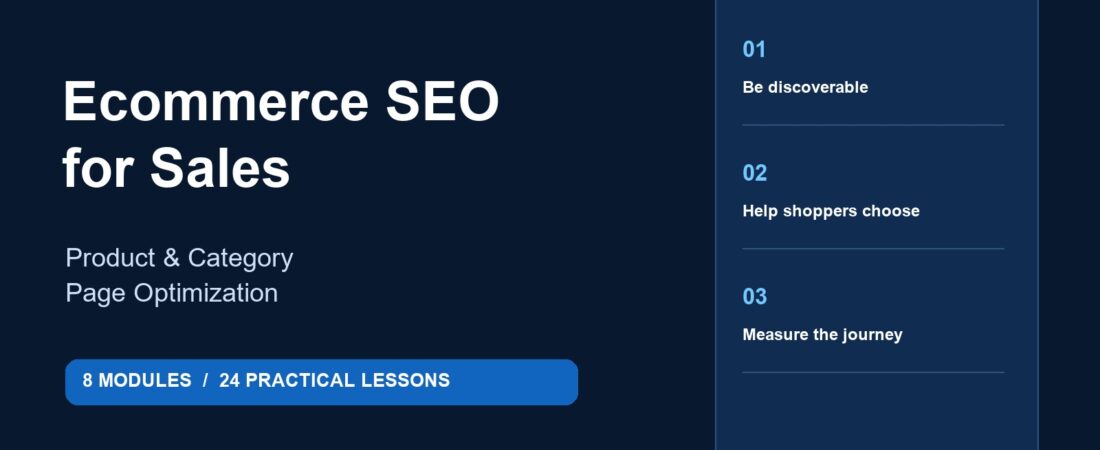
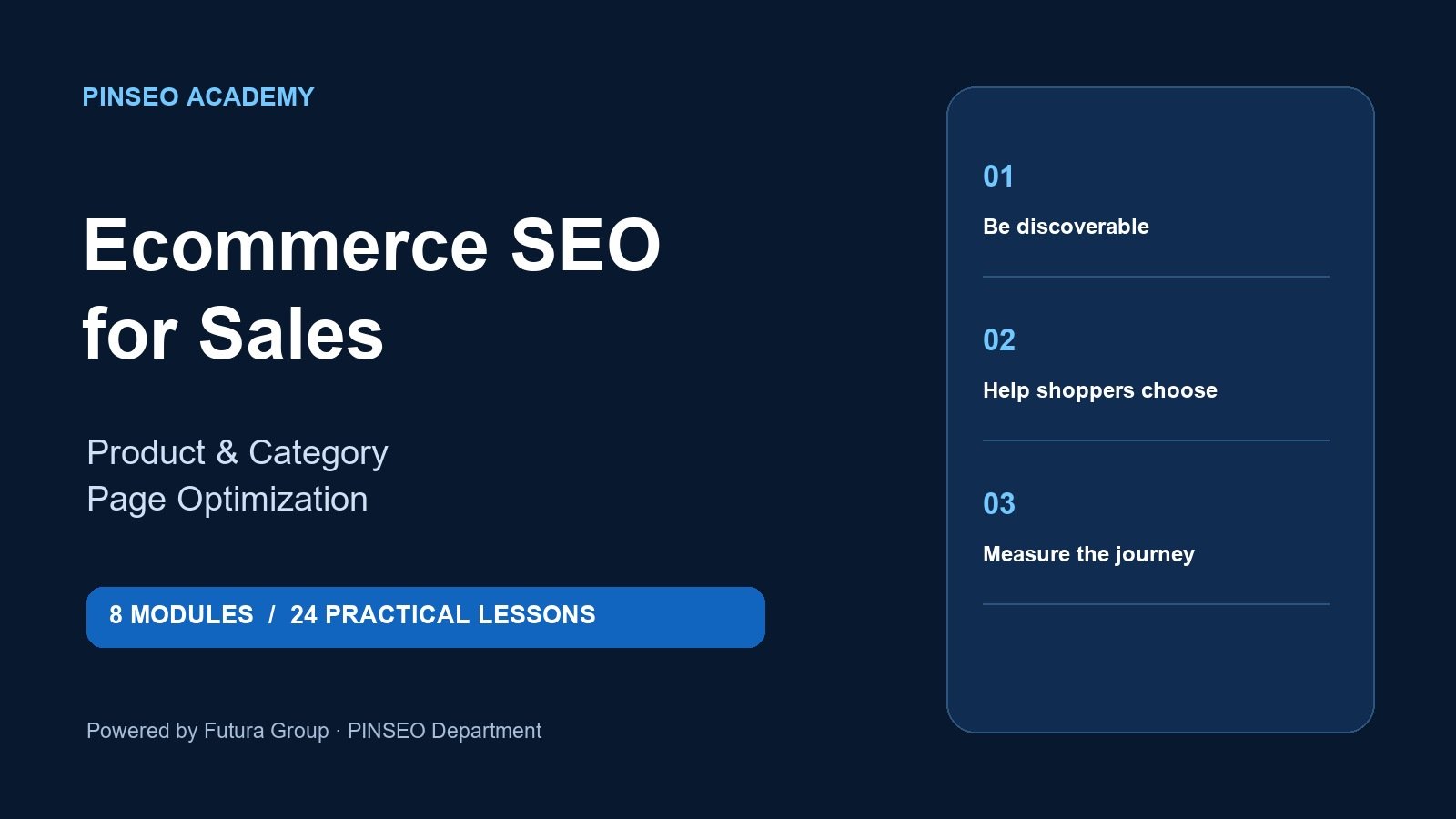
A WooCommerce SEO course should help you improve the pages where shoppers choose products, not simply teach you to change a plugin score. PINSEO Academy’s Ecommerce SEO for Sales costs $79 USD as a one-time course purchase and includes WooCommerce and Shopify examples, eight modules and 24 written lessons.
It is a broader ecommerce course with a focused project: work on five products and one category. If you run a WooCommerce store, the seven checks below will help you decide whether the course fits your catalogue, available access and next improvement task. Review the full offer before purchasing; rankings and sales are not guaranteed.
| Before you enroll | Course details |
|---|---|
| Course price | $79 USD, one-time purchase; applicable taxes appear at checkout |
| Platform examples | WooCommerce and Shopify; controls vary by installation |
| Included learning | 8 modules, 24 written lessons and practical exercises |
| Project scope | 5 product pages and 1 category, followed by a 30-day plan |
| Study estimate | Approximately 4–6 hours, with additional time for complex stores |
Table of Contents
1. Choose a WooCommerce SEO course around an actual store task
Before buying a WooCommerce SEO course, start with a small part of your catalogue rather than a promise to repair every page at once. You might choose five products that need clearer descriptions and a category that should help shoppers compare them. Record why those pages matter and who can approve changes. That gives the training a concrete purpose.
Ecommerce SEO for Sales is intended for store owners, marketers and freelancers. Basic website familiarity is enough to begin, and you can use an authorised store, staging copy or clearly labelled practice project. It is not a WooCommerce installation, theme development or custom-coding course. Technical work beyond your access or skill level may need a developer.
2. Check that buyer intent leads to the right page
A category query and a specific product query do not always need the same destination. A useful WooCommerce SEO course should help you decide which page answers the shopper’s current question. Otherwise, you can spend time improving content that sends a purchase-ready visitor to the wrong place.
The first course module covers project selection, product versus category intent and keyword-to-page mapping. For your practice store, write down the intended query, the destination and the action a visitor should be able to take. If you need a wider demand plan first, compare our Keyword Research for Businesses course before choosing your starting point.
3. Look for product-copy work grounded in facts
Good product content answers buying questions with information you can verify. Gather dimensions, materials, compatibility information and the store’s current policies before rewriting a page. A description should help a shopper evaluate the item rather than make promises that apply to almost anything.
The course covers titles, snippets, product descriptions, imagery and FAQs. A practical exercise can be as simple as replacing an unsupported “fits every desk” claim with verified measurements and a clear explanation of what the buyer should compare. This WooCommerce SEO course approach connects useful wording with product knowledge, rather than treating longer copy as an outcome on its own.
4. Make category pages useful for choosing
A category page should help visitors understand the range and reach relevant products. Before enrolling, check whether the curriculum includes selection guidance, navigation and internal links. Those decisions are different from repeating a product description across an entire collection.
Ecommerce SEO for Sales includes a category-content module and internal-link practice. In your six-page project, explain meaningful differences among the five selected products, identify the buyer’s decision criteria and check the paths into and out of the category. Keep the guidance specific to your inventory. Do not add unsupported claims about suitability, delivery or returns.
5. Include discovery, product data and technical boundaries
A WooCommerce SEO course should explain the questions to investigate when several URLs describe similar products or filters create extra page variations. It should also help you recognise where an indexing or canonical change needs platform-specific review. A general checklist is not permission to change every setting on a live store.
The curriculum includes variants, canonical URLs, filtered pages, out-of-stock products, indexing checks and mobile friction. It also covers product structured data and Merchant Center data alignment. Use Google’s ecommerce URL guidance for technical background, and verify any proposed configuration change with the person responsible for your installation.
6. Review the buying journey as well as search visits
Relevant search traffic still needs an understandable offer and a working route to purchase. Include availability, product facts, delivery information, returns and the cart-to-checkout path in your review. Use the business’s actual policies and check what a customer can see, rather than assuming a trust badge will solve uncertainty.
The course includes a shopper-focused audit and a search-to-sales measurement plan. Record a baseline before you make changes, and note stock, price or promotion changes that could affect comparisons. Clicks, add-to-cart activity and completed orders describe different stages. A WooCommerce SEO course cannot promise that improving one page will create a particular number of sales.
7. Confirm the WooCommerce SEO course price and learning format
The current Ecommerce SEO for Sales product price is $79 USD. The one-time purchase provides eight modules, 24 written lessons, worked examples, self-check answers and a practical six-page project. Allow about four to six hours for reading and implementation, then additional time for the needs of your store.
This is self-paced written online training. Videos, individual instructor grading, accredited certification, paid software and advertising spend are not included. No paid SEO tool is required for the core exercises. Store access, Search Console and analytics can help you apply the work; use clearly labelled practice material when those are unavailable.
Compare the full curriculum and course requirements with the specific change you want to make. Review the current product total and linked terms at checkout rather than relying on an old promotion. Ask purchase or access questions through the Futura Group contact page before paying.
Your first project: five products, one category and a review date
A manageable starting plan is to inventory the six page addresses, record accurate product facts and map each page to a distinct buying question. Prepare proposed titles and descriptions, useful category guidance and internal links. Then record technical questions that require approval before making live changes.
Finish with a prioritised 30-day plan: what can you improve now, what needs a developer and what evidence will you review later? Keep a simple change log with dates and baseline metrics. This makes your WooCommerce SEO course project useful for an owner or colleague, even when a technical change cannot be implemented immediately.
WooCommerce SEO course enrollment questions
Is this exclusively about WooCommerce? No. Ecommerce SEO for Sales teaches a store-page workflow with both WooCommerce and Shopify examples. The exact controls depend on your theme, plugins and platform version.
How do I access this WooCommerce SEO course? Open the course product, review the current price and complete checkout with your purchase account. Access starts after confirmed payment. Sign in to the student dashboard to study the written lessons and exercises.
Should I buy a broader course instead? If you mainly work on service or information pages, compare the On-Page SEO Blueprint. Choose the ecommerce course when product and category pages are the focus.
Review the course and take the next step
Ready to start a WooCommerce SEO course for your store? Review Ecommerce SEO for Sales and its current $79 course price. Choose it when the six-page project, written learning format and ecommerce focus match the work you are ready to do.